Import Your LinkedIn Resume to Lossdog
Step 1: Download your LinkedIn profile as a PDF
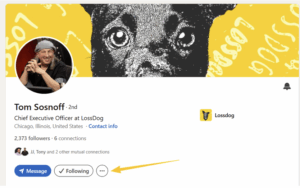
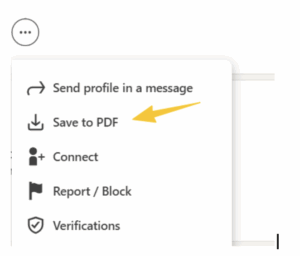
Log in to LinkedIn and open your profile page. Click the three dots (…) near your profile header (or, the “Resources” tab if you are a Linkedin Premium member) and select “Save to PDF.” This will download a PDF version of your LinkedIn resume.
– Locate the three dots on your LinkedIn profile page.
– Click “Save to PDF.”
Step 2: Upload Your LinkedIn PDF to Lossdog
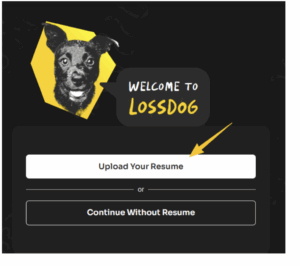
Once your PDF is downloaded, go to Lossdog and select “Upload Your Resume.” Choose the file from your device, and Lossdog will import your resume for analysis.
Note LinkedIn’s PDF limitations
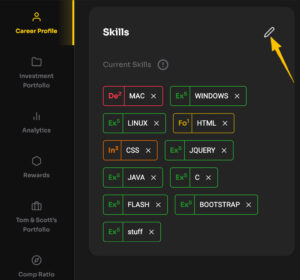
LinkedIn’s PDF often captures only your top skills and may leave out details from your full profile. Lossdog allows you to edit your imported resume to ensure your worth estimate is as accurate as possible. Use the edit button in Lossdog to make sure your resume is complete and up to date.