
How to Redeem your Crypto Rewards
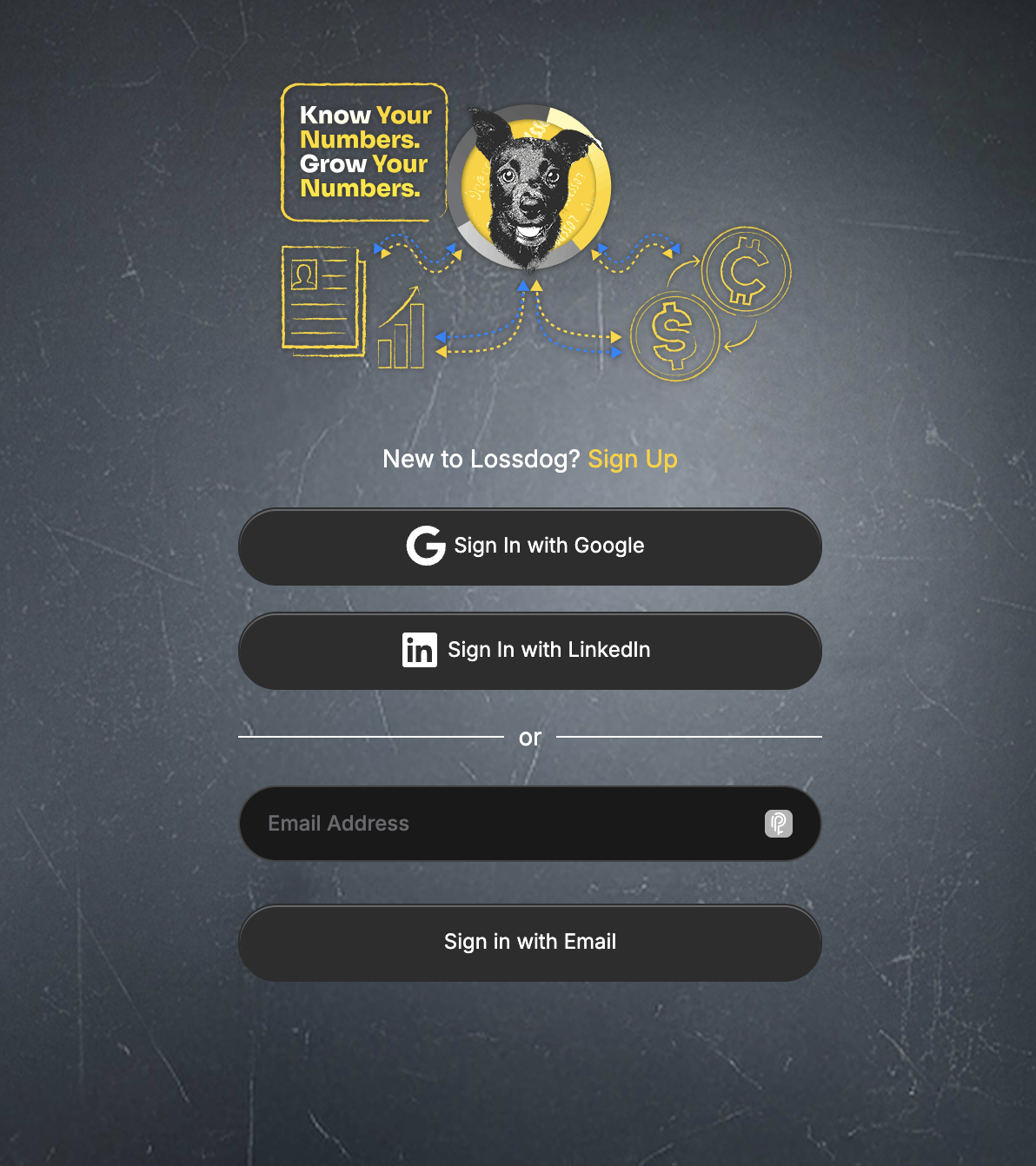
Step 1: Enter your login info
Enter your login info using the same email address that you used to sign up for Lossdog.
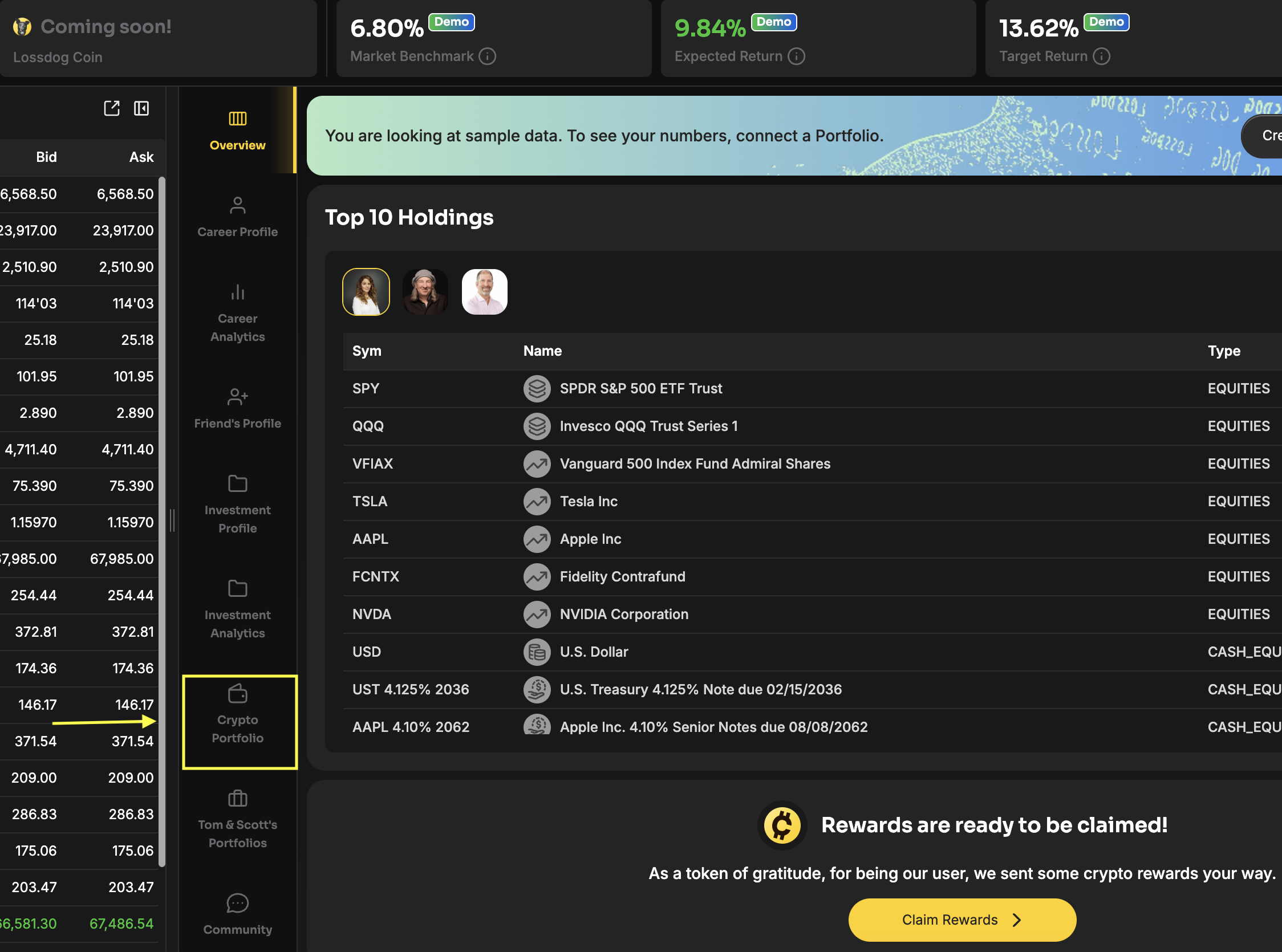
Step 2: Go to “Crypto Portfolio”
Once logged in, click on the “Crypto Portfolio” tab to open up that section of the app.
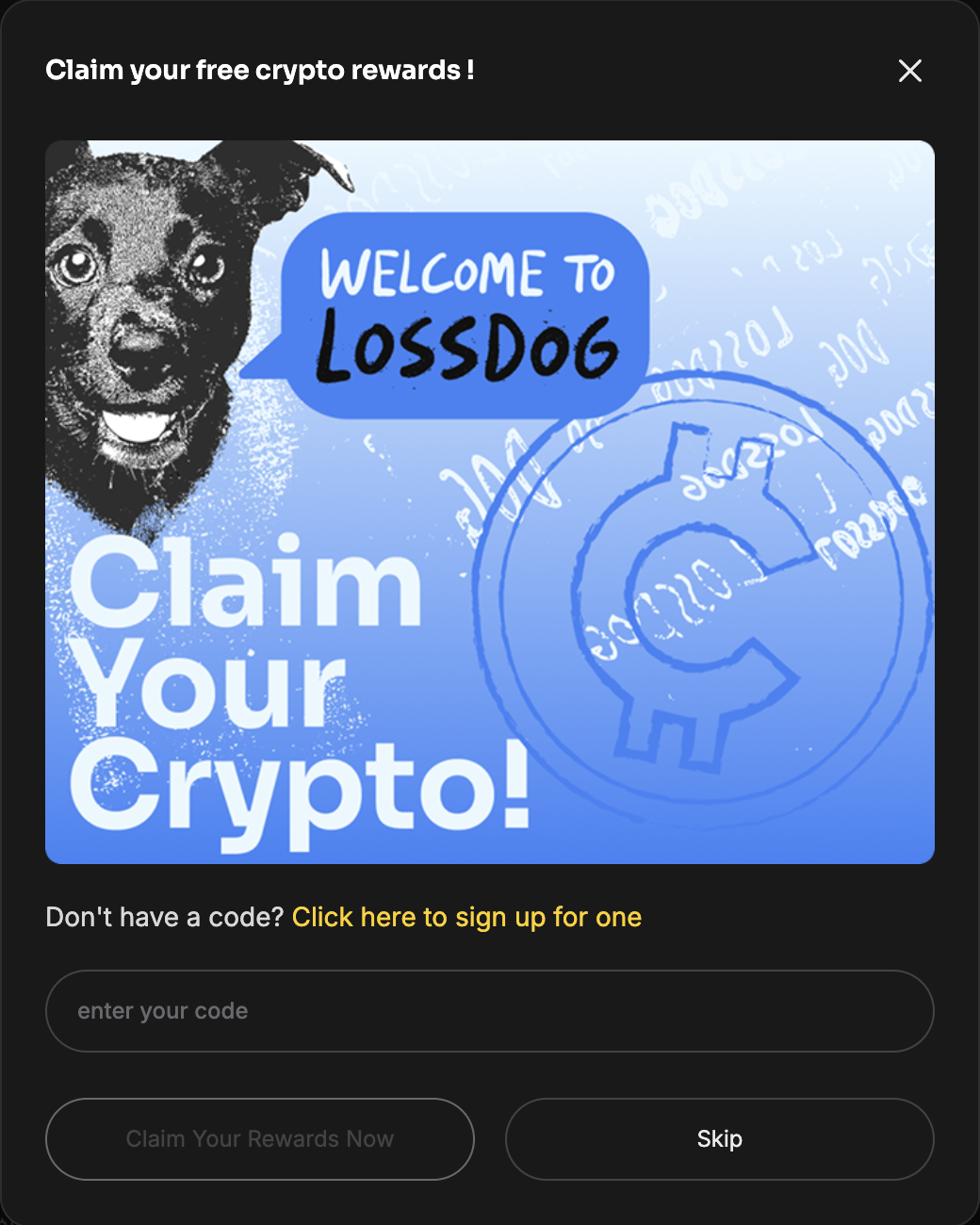
Step 3: Enter your claim code and claim reward
Once you’re in the “Crypto Portfolio” section, a modal will pop up asking you to enter in the claim code that you received with your email. Enter your redeem code and click the “Claim Your Rewards Now” button.
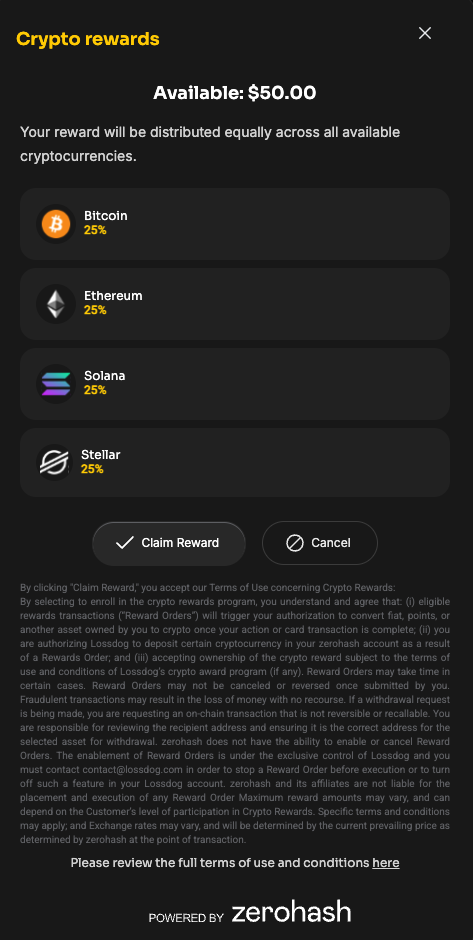
After you’ve clicked on the “Claim Your Rewards Now” button, a second modal will appear. Simply click on the “Claim Reward” button and your crypto reward will be distributed equally across all available cryptocurrencies.
Please note that it may take a couple of minutes for your positions to appear. If you’re still not seeing them after 10 minutes, please reach out to [email protected], and someone from our team will gladly assist you.